 MSRX
MSRXHow to use MSRX Security
From typing an address to a saved report, in 11 steps. The example scan is of www.msrx.co.in, our own site.
Type the address you want to inspect
Type a website address in the field (1), with or without
https://, and press Scan website (2). Not sure what to try? Click one of the examples (3). Scan only sites you own or are allowed to test.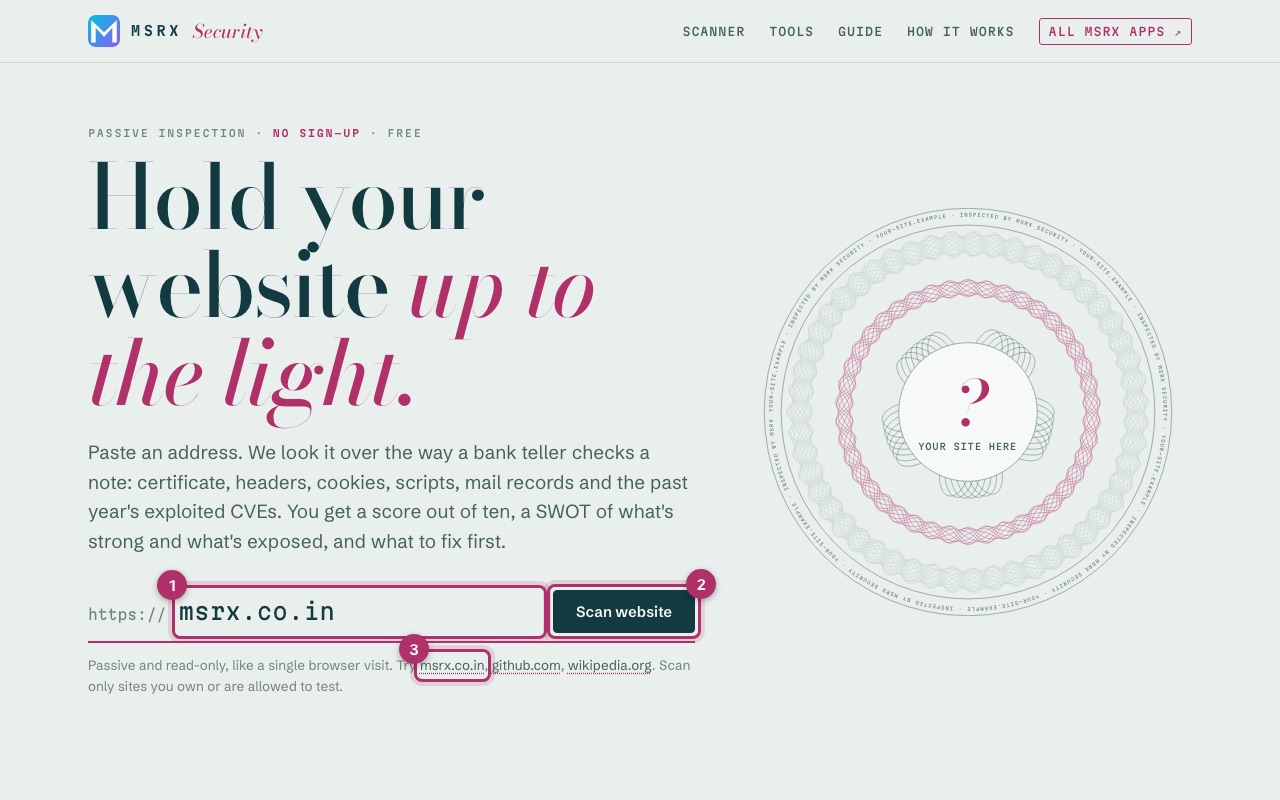
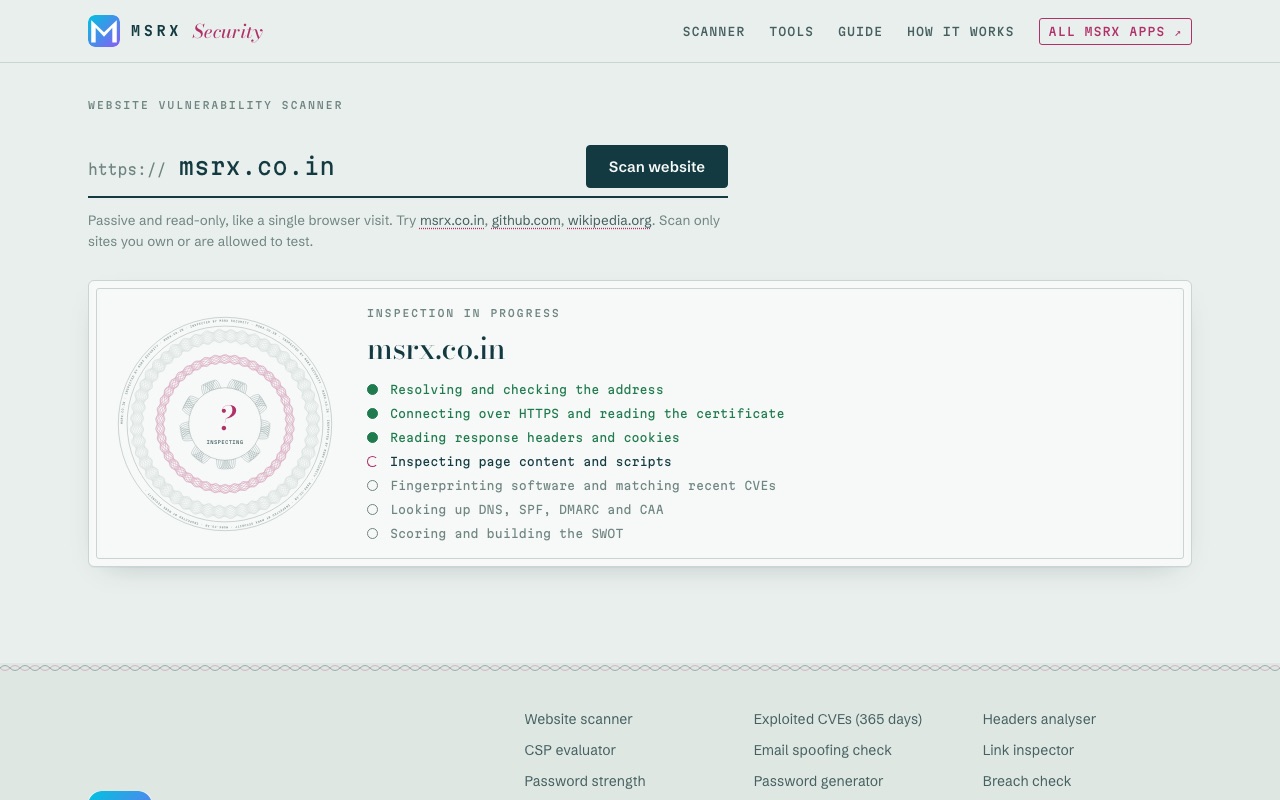
Wait a few seconds while it inspects
The scanner loads the page once, as a browser would, then checks the certificate, headers, cookies, scripts, DNS records and known vulnerabilities. Most scans finish in under ten seconds. Nothing is sent to the site except ordinary page requests.
Read the score and the certificate
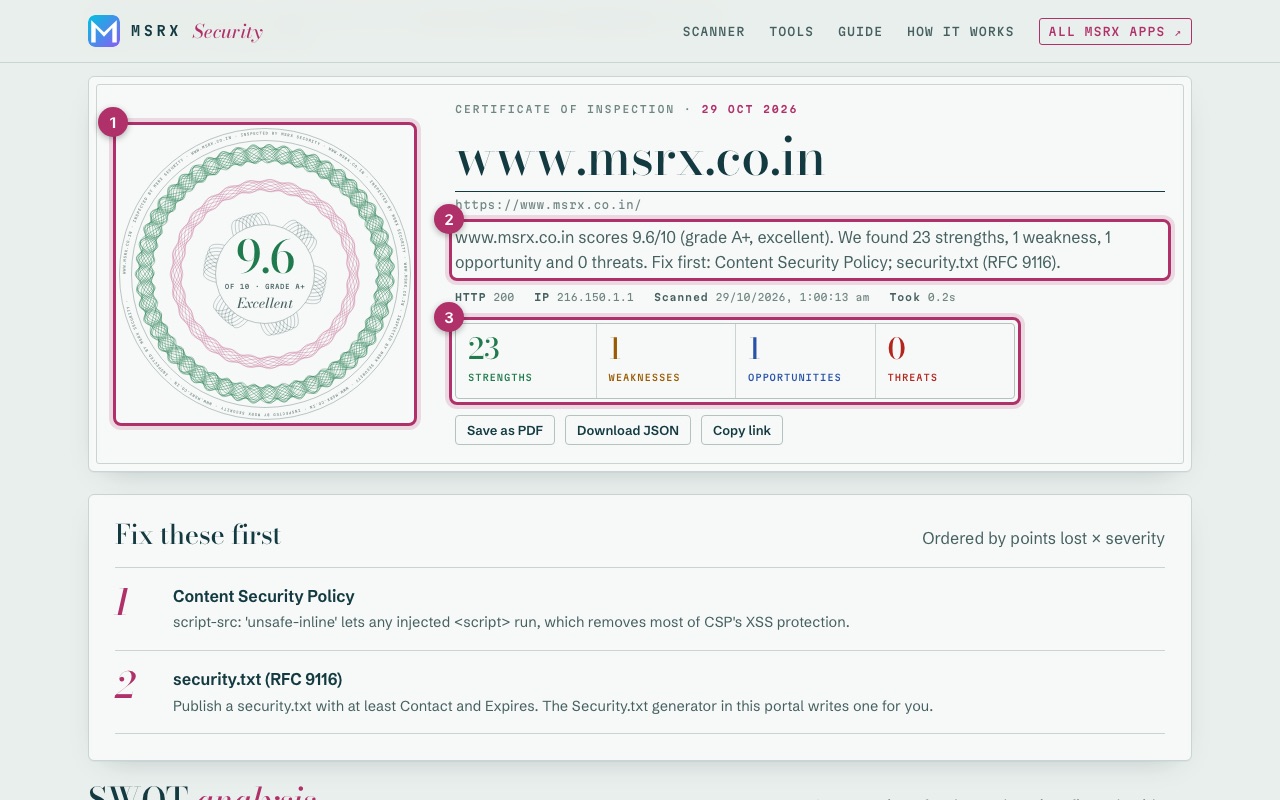
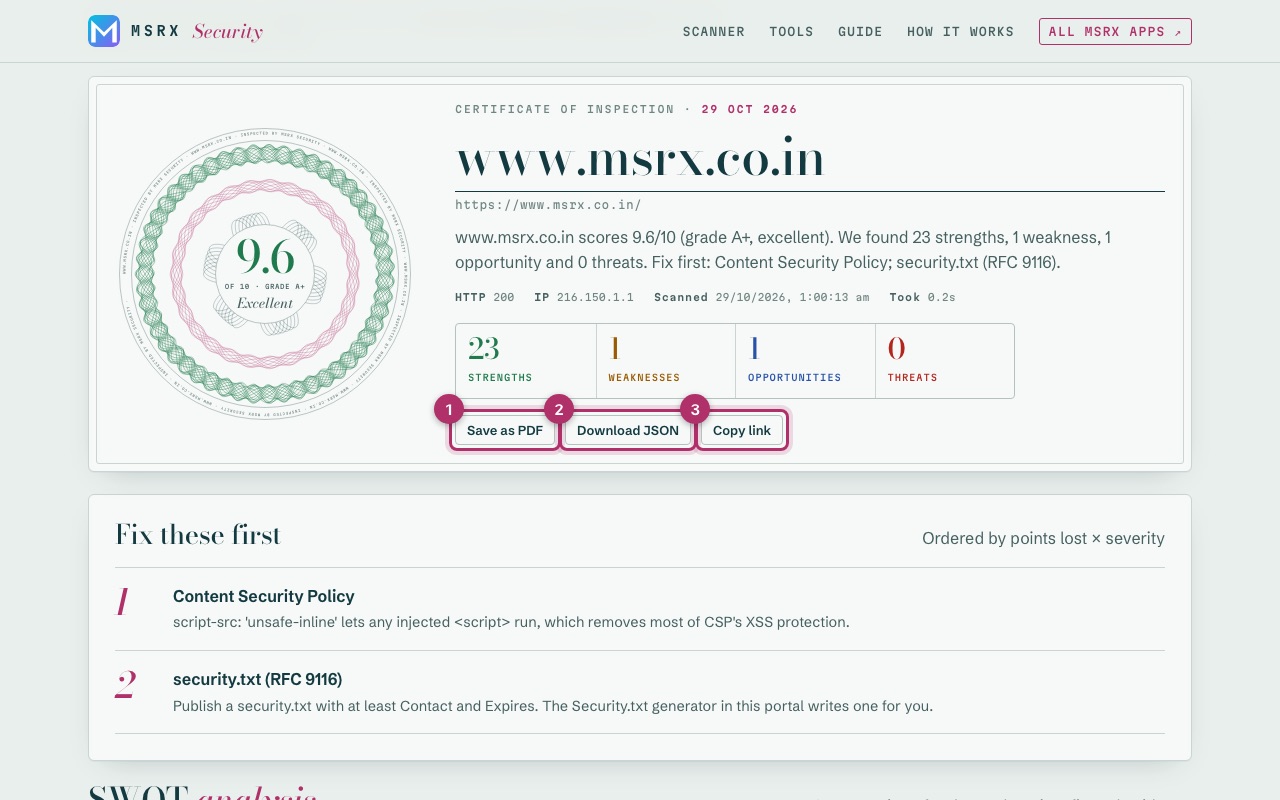
The seal (1) shows the score out of 10 and a grade, and is drawn from the site's own address, so every site gets its own. The summary (2) says what was found in one paragraph. The four counts (3) jump to each part of the SWOT. A site with any critical problem can never score above 4, however much else it gets right.
Start with “Fix these first”
The top three problems, ranked by points lost and how serious they are. If you only have an hour, spend it here: these move the score the most.
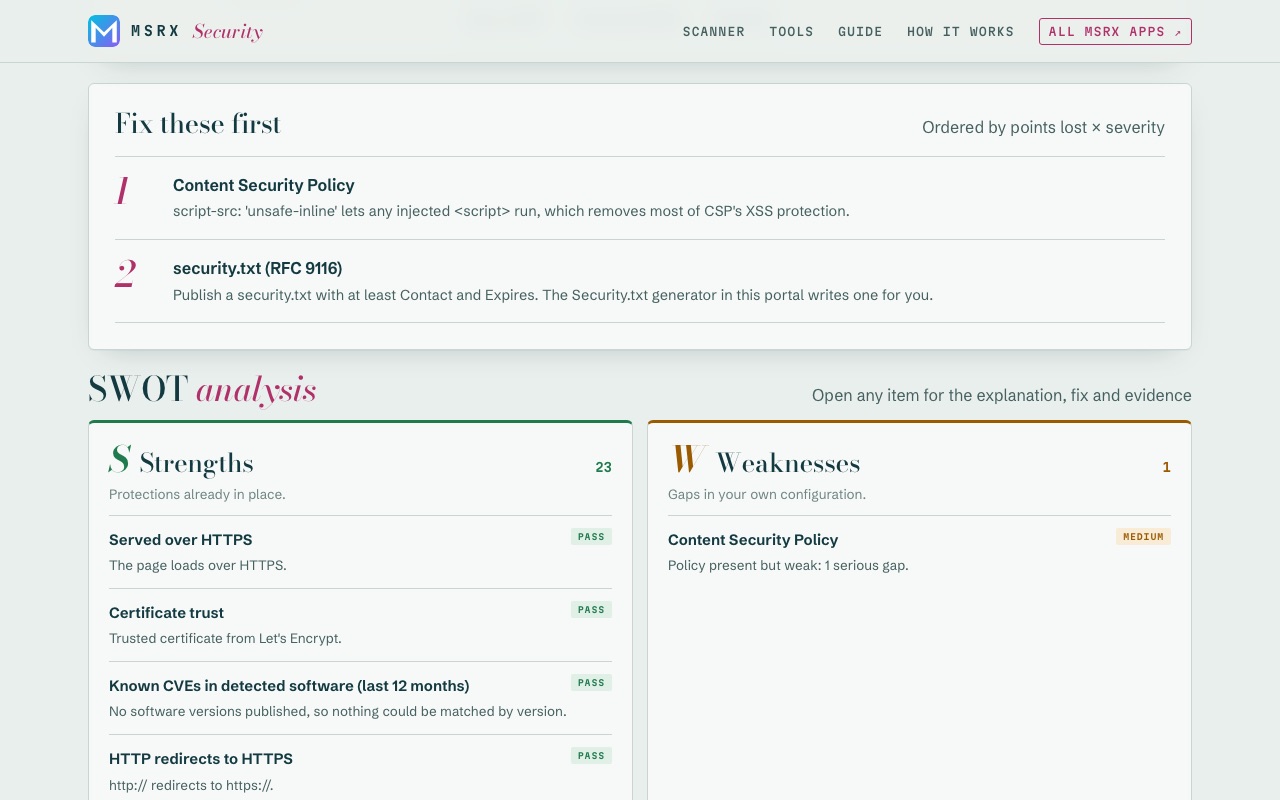
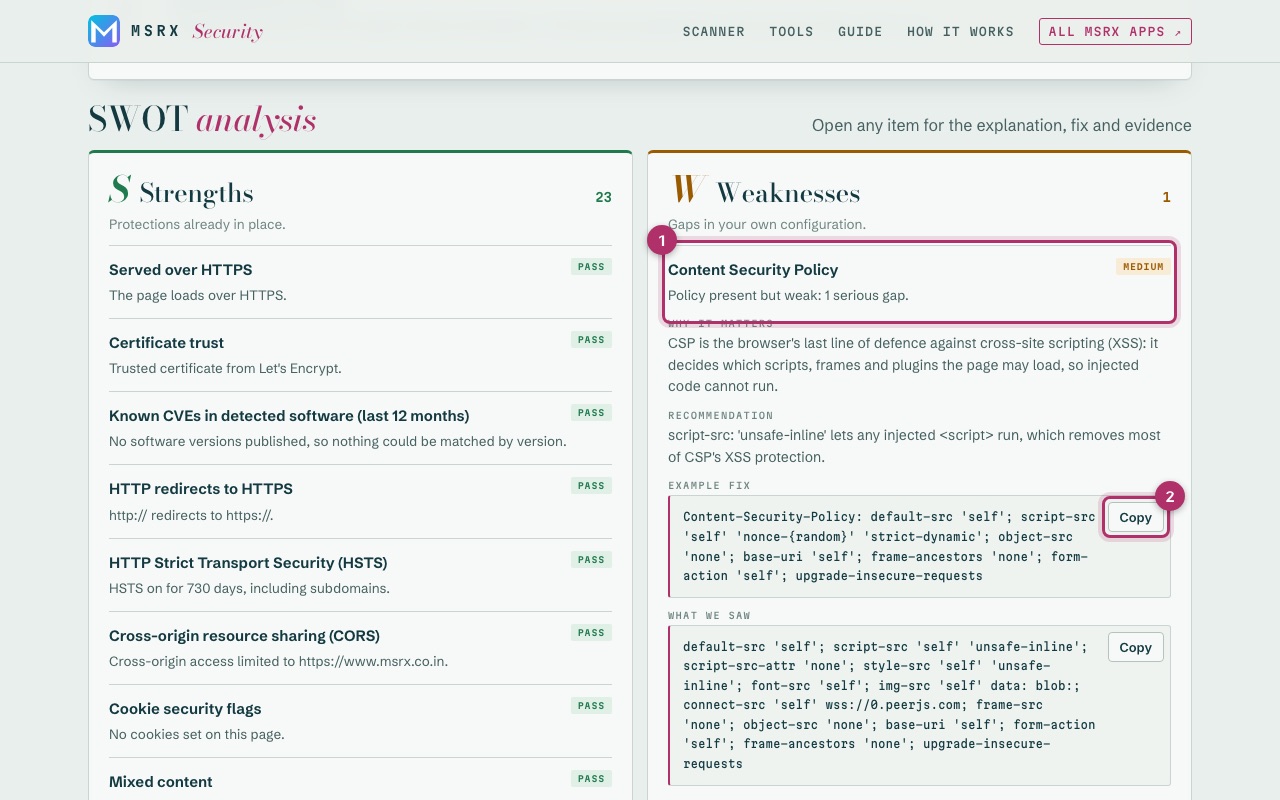
Open any finding in the SWOT
Strengths are protections already in place. Weaknesses are gaps in your own configuration. Opportunities are extra hardening that would raise the score. Threats are exposures an outsider could act on. Click a finding (1) to see why it matters, what to do and an example fix you can copy (2).
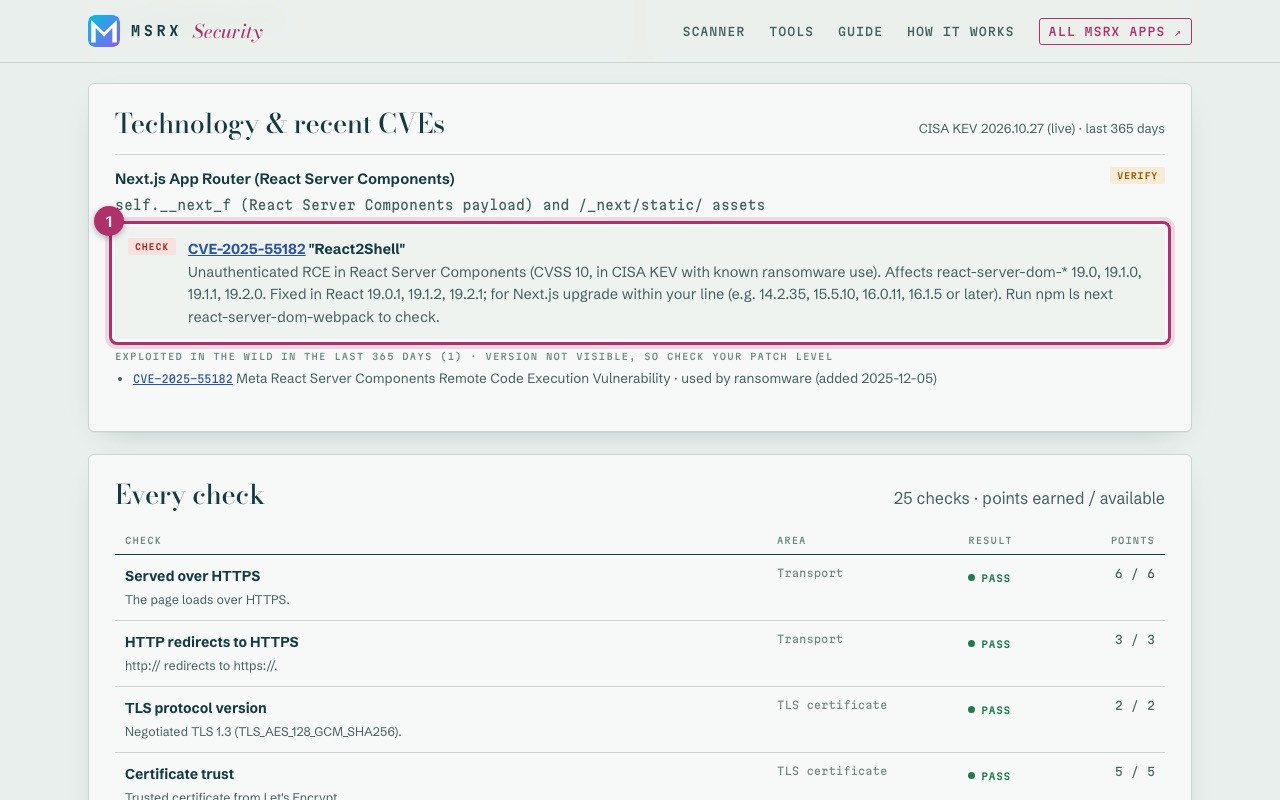
Check the software and recent CVEs
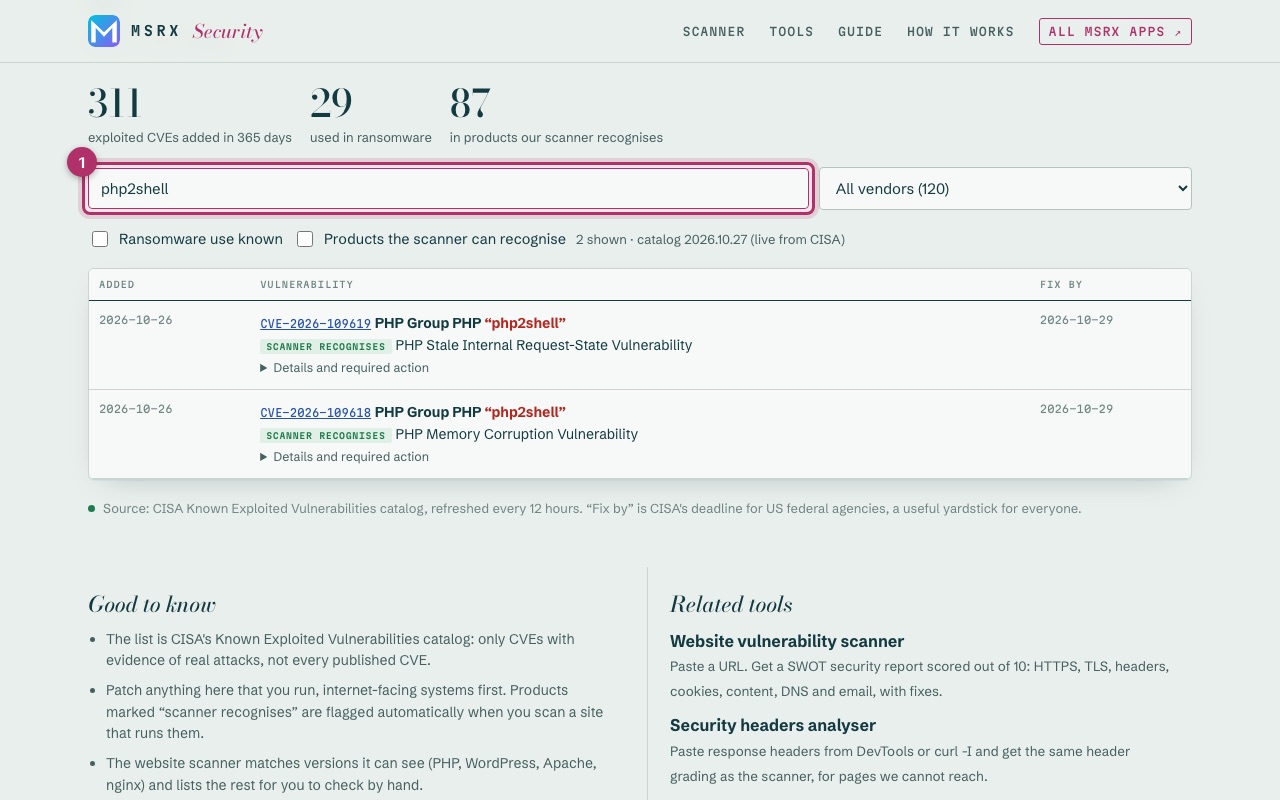
The scanner recognises over 30 products from what the page gives away. Where it can see an exact version (PHP, WordPress, Apache, nginx), it matches the past year's CVEs, such as php2shell, and that affects the score. Where the version is hidden, it lists what to check by hand (1), like React2Shell for Next.js sites, without changing the score.
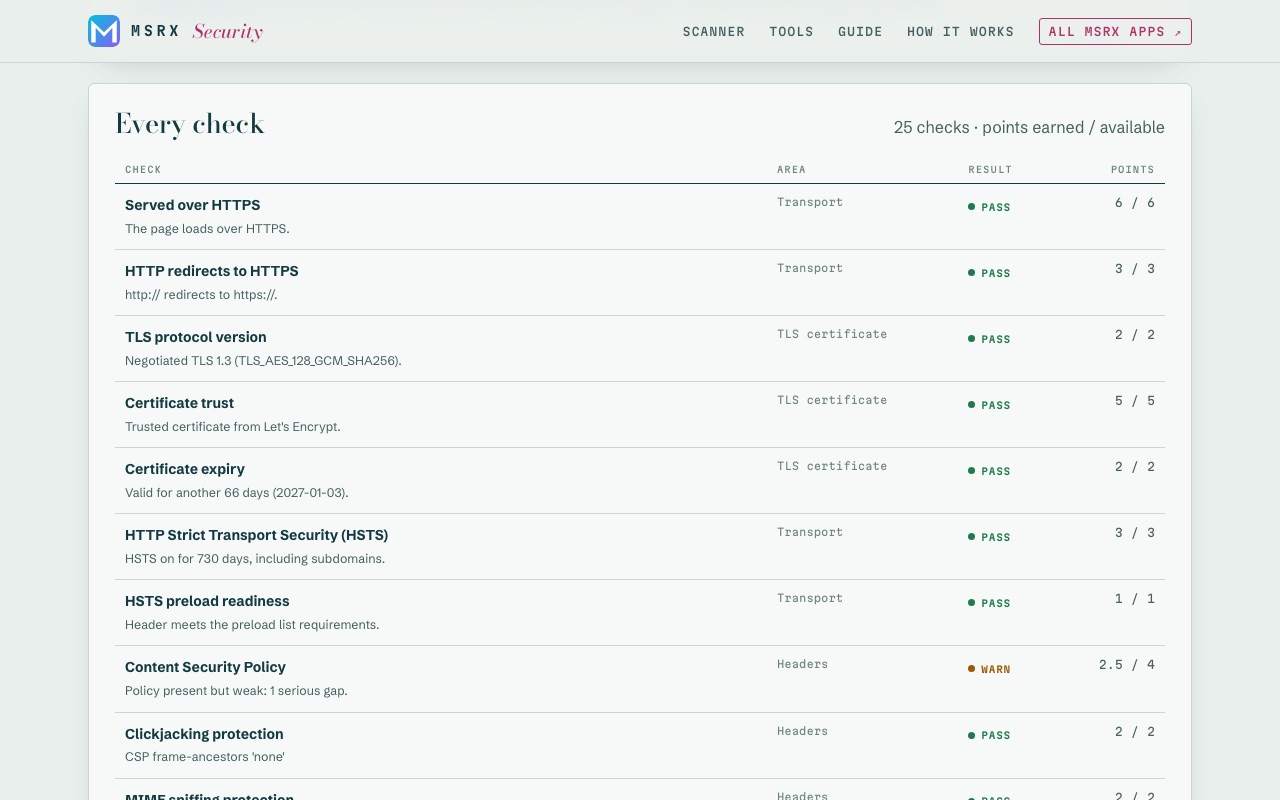
See every check and its points
Every check, the area it belongs to, whether it passed, and the points it earned out of what it was worth. The How it works page explains every weight.
Save or share the report
Save as PDF (1) opens your browser's print dialog with a clean layout. Download JSON (2) keeps the full data. Copy link (3) shares a link that re-runs the scan. Nothing is stored on our side, so save the report if you want to keep it.
Look up any exploited vulnerability
Tools → Exploited vulnerabilities, last 365 days lists every CVE that CISA has confirmed was attacked in the past year. Search by product or nickname (1), or tick “Products the scanner can recognise”.
Use the other tools
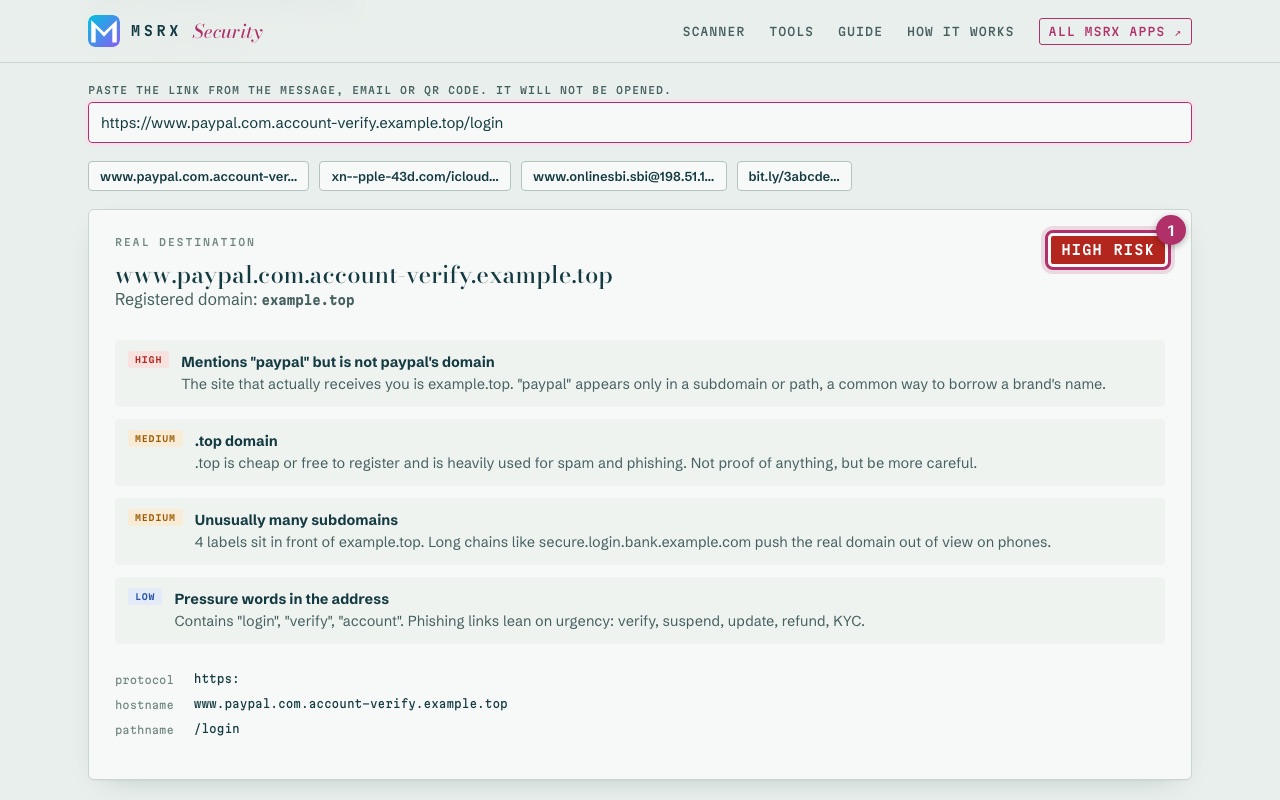
Thirteen more tools cover links, passwords, tokens and code. This is the link inspector taking apart a fake PayPal link (1). The tools marked “Runs in your browser” never send what you paste anywhere.
It works the same on a phone
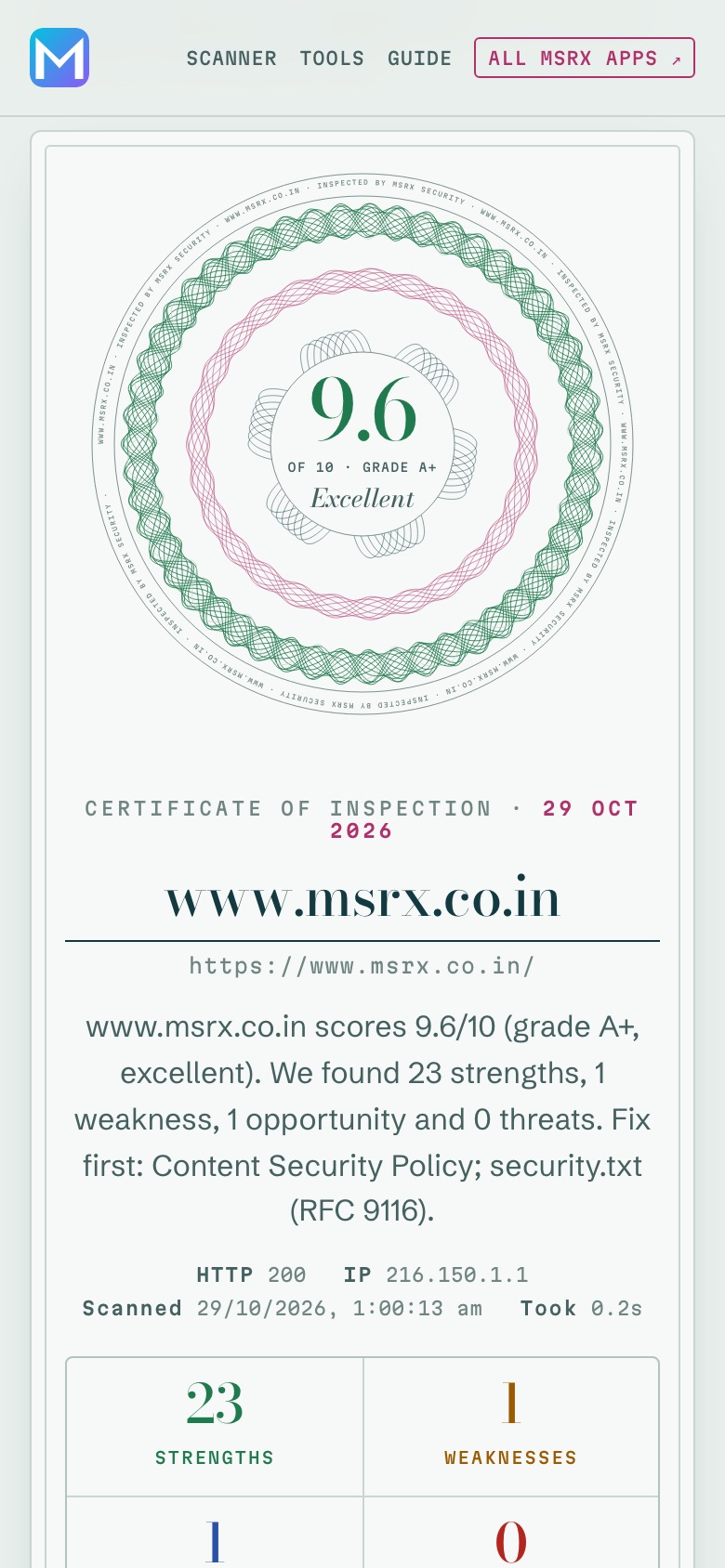
Every screen fits a phone. Dark mode switches automatically with your device setting.